In today’s digital landscape, QR codes have become ubiquitous, offering convenience in various aspects of daily life. However, this convenience has given rise to a new cyber threat known as “quishing,” where malicious actors exploit QR codes to conduct phishing attacks. Understanding quishing and implementing preventive measures are crucial to safeguarding your personal information.
What is Quishing?
Quishing, a blend of “QR” and “phishing,” involves cybercriminals using fraudulent QR codes to deceive individuals into revealing sensitive data or downloading malicious software. These deceptive codes can be found in emails, physical locations like restaurants or parking meters, and even on social media platforms. When scanned, they direct users to counterfeit websites or initiate unintended actions on their devices.
How Quishing Works
- Creation of Malicious QR Codes: Attackers generate QR codes that link to harmful websites or trigger malicious downloads.
- Strategic Placement: These codes are strategically placed in locations where users are likely to scan them, such as on posters, flyers, or within phishing emails.
- User Interaction: Unsuspecting individuals scan the QR code, believing it to be legitimate.
- Execution of Attack: Upon scanning, users are redirected to a fake website that mimics a legitimate one, prompting them to enter personal information or unknowingly download malware.
Real-World Examples
- Parking Meter Scams: In some regions, scammers have placed fraudulent QR codes on parking meters. When scanned, these codes direct users to counterfeit payment portals, resulting in financial losses and compromised personal information.
- Restaurant Menu Frauds: Fake QR codes have been found on restaurant tables, leading patrons to malicious websites instead of digital menus, thereby harvesting their data.
Protective Measures Against Quishing
To defend yourself against quishing attacks, consider the following precautions:
- Verify Before You Scan: Examine the source of the QR code. Be cautious of codes found in unsolicited emails or unfamiliar locations.
- Use Secure QR Code Scanners: Utilize QR scanner apps that offer security features, such as previewing URLs before opening them, to ensure they are safe.
- Be Wary of Shortened URLs: If a QR code leads to a shortened URL, exercise caution, as it may conceal the destination address.
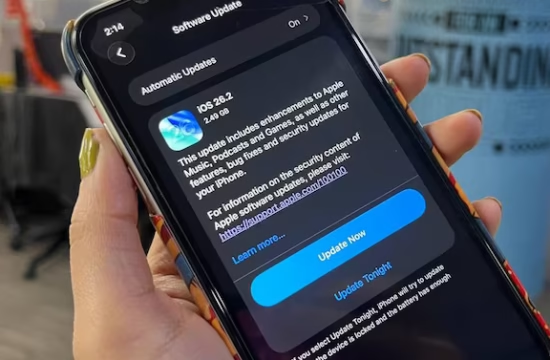
- Keep Devices Updated: Ensure your devices have the latest security updates and antivirus software to protect against potential threats.
- Educate Yourself and Others: Stay informed about the latest phishing tactics and share this knowledge with friends and family to promote awareness.
By remaining vigilant and adopting these protective measures, you can significantly reduce the risk of falling victim to quishing attacks and maintain your digital security.