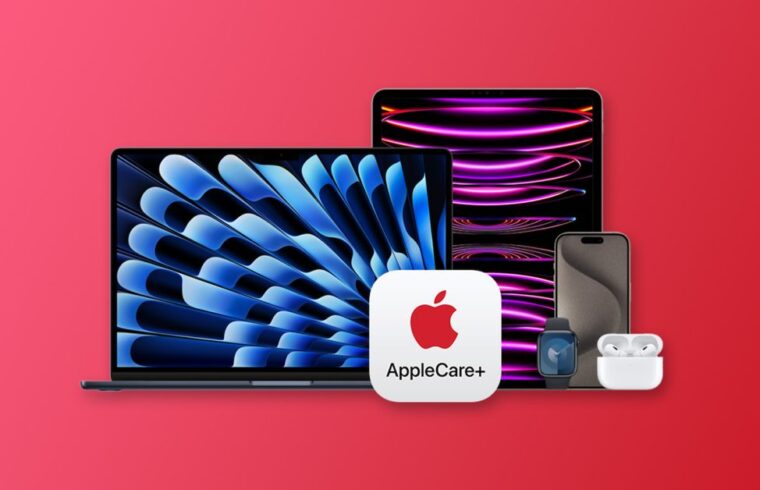
Apple has officially transitioned AppleCare to a subscription-only model, marking a significant shift in how users protect their Apple devices. Previously, users could opt for one-time purchases, but moving forward, all AppleCare+ plans will be available exclusively through monthly or annual subscriptions.
What Has Changed?
- No More One-Time Purchases: Users can no longer buy a one-time AppleCare plan; all coverage must be subscribed to on a recurring basis.
- Ongoing Coverage: As long as users maintain their subscription, their AppleCare+ coverage will continue, offering extended device protection without expiration.
- Global Rollout: Apple is gradually implementing this change worldwide, with some regions already seeing the subscription-only model in effect.
Why is Apple Making This Change?
Apple aims to make device protection more flexible and accessible while ensuring ongoing revenue through subscriptions. The new model allows users to extend coverage indefinitely, reducing the need to repurchase extended warranties after the standard plan expires.
What’s Included in AppleCare+?
- Extended Hardware Coverage: Protection against hardware failures beyond the standard Apple warranty.
- Accidental Damage Protection: Coverage for accidental damage, including screen repairs and battery replacements.
- Priority Support: Access to Apple’s technical support 24/7 for troubleshooting and assistance.
How Does the Subscription Work?
AppleCare+ subscriptions will be charged monthly or annually through the Apple Store or directly linked to the user’s Apple ID. Users can cancel anytime, but once canceled, they may not be able to repurchase the plan for the same device.
Potential Downsides
- Higher Long-Term Costs: While subscriptions allow flexible payments, users may end up paying more over time compared to a one-time purchase.
- Limited Re-Enrollments: If a subscription is canceled, users may not have the option to renew AppleCare+ for their device later.
How to Subscribe to AppleCare+?
- Purchase AppleCare+ during device checkout at Apple’s online store.
- Subscribe via the Apple Support app within 60 days of buying a new device.
- Enroll directly from the Settings app on eligible Apple devices.
Final Thoughts
The move to a subscription-only AppleCare model aligns with Apple’s broader push toward recurring revenue services. While it offers continuous device protection, users should carefully consider their long-term costs before subscribing.